Overview
How do I close a completed workflow in an audit-proof way?
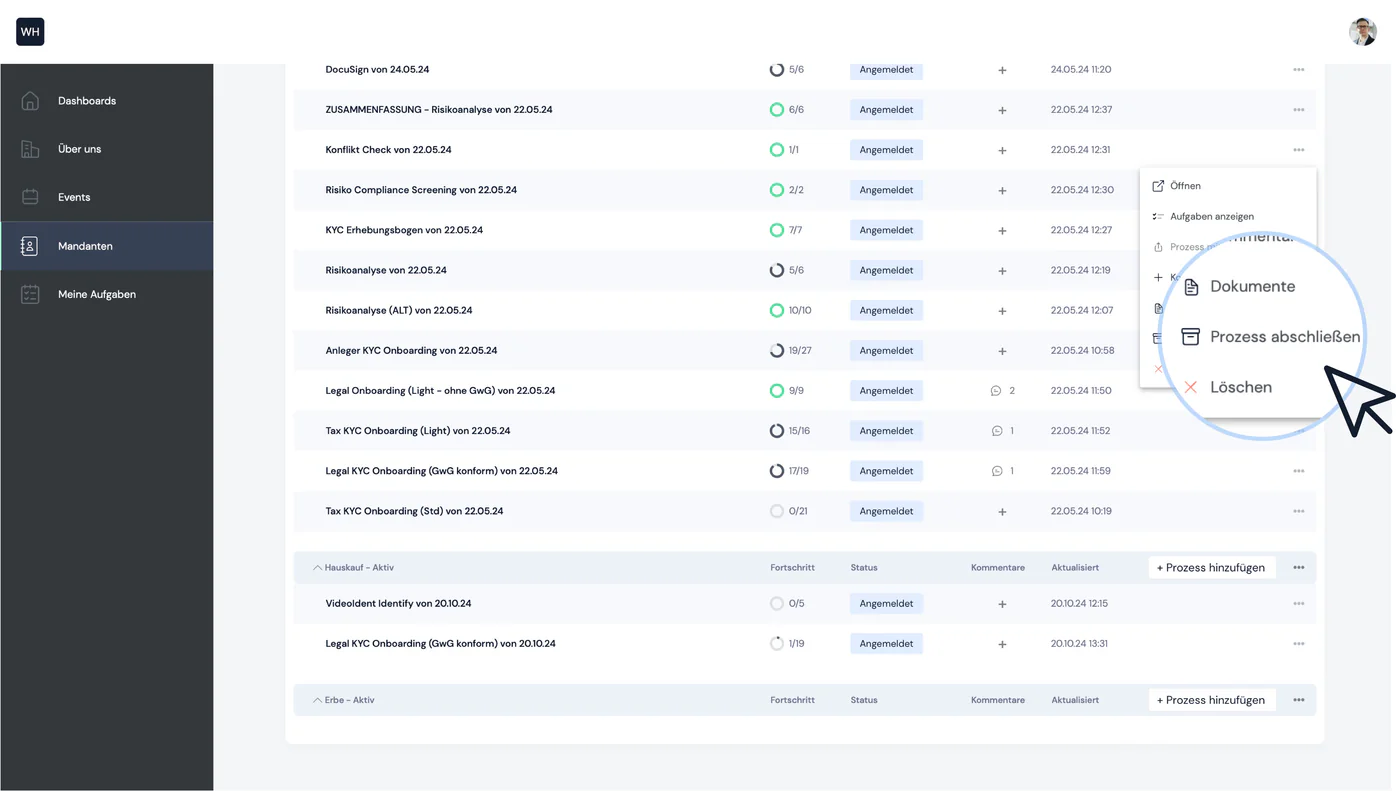
Once you and/or your client have successfully completed all tasks in a process, you as the advisor / consultant / firm can close the process in an audit-proof way. To do this, select "Complete process" in the process's context menu:
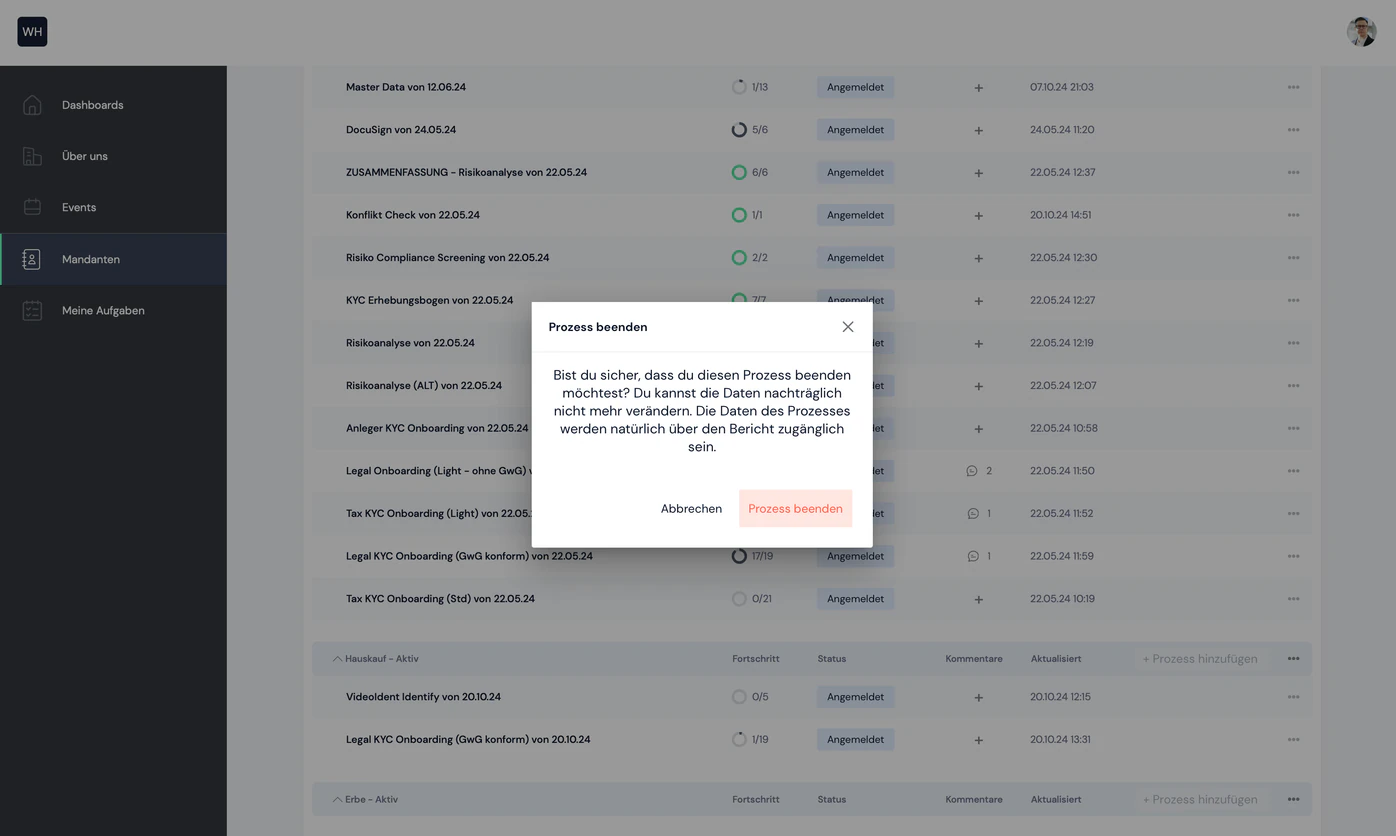
The process is now closed in an audit-proof way and no further changes can be made. The process is now marked as "completed" in the list.


Still have questions?
Contact us or book a 30-minute demo call directly with our founder Eckhard Ortwein.