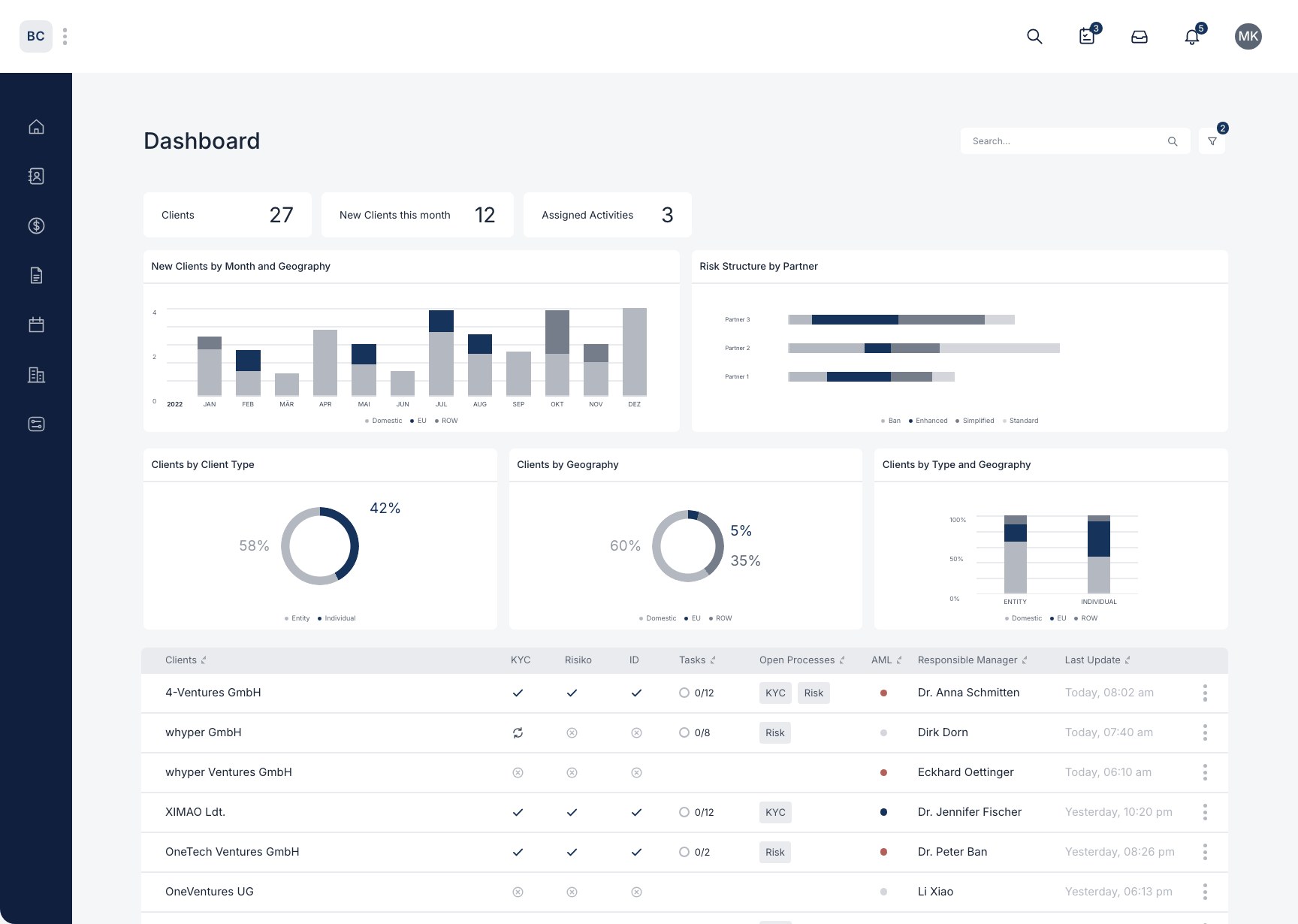
Your workspace
How do I invite a team member to the workspace and assign a user role?
In the "Workspace Settings" you can add as many team members to your workspace as you like.
When you add a new client, you can select a responsible partner and a responsible assistant. All your team members are available here.
You can assign individual tasks within processes to your team members. All your team members are available for selection here, too.
How to add team members:
- Click your avatar
- "Settings"
- "Workspace Settings"
- Click the "Invite new team member" button
- Enter the email address and select a role
- The invitation is sent by email.

Still have questions?
Contact us or book a 30-minute demo call directly with our founder Eckhard Ortwein.