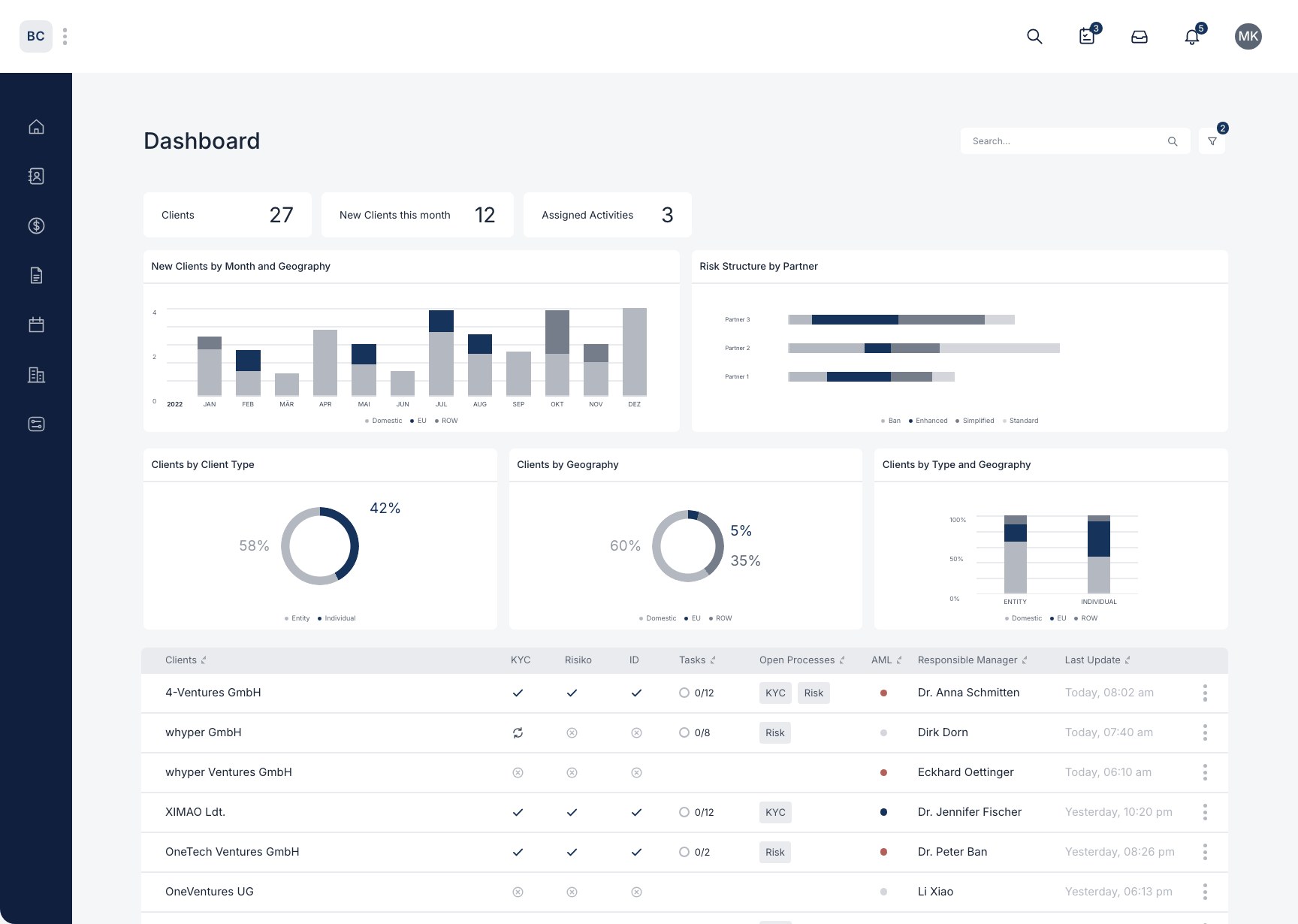
How are digital questionnaires enabled/disabled on the portal?
With the portal, you can embed the questionnaires you need (such as matter intake questionnaires) directly on your website. This gives your clients a very convenient first point of contact, and all the data they enter lands directly in your BetterCo system. That way you digitize and automate the entire process of data collection and management.
Example
Here is an example of a portal: https://www.betterco.ai/workflows
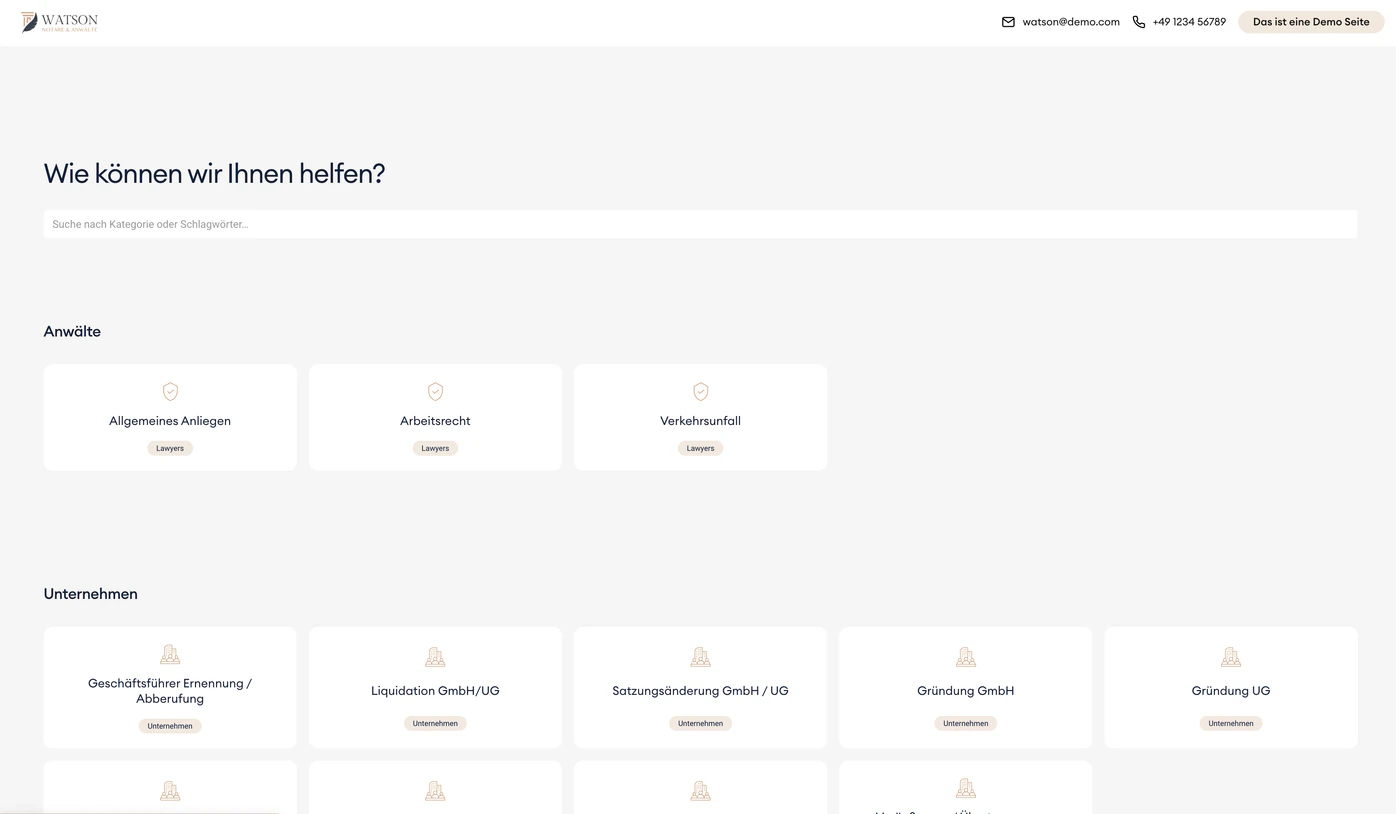
How to configure your portal
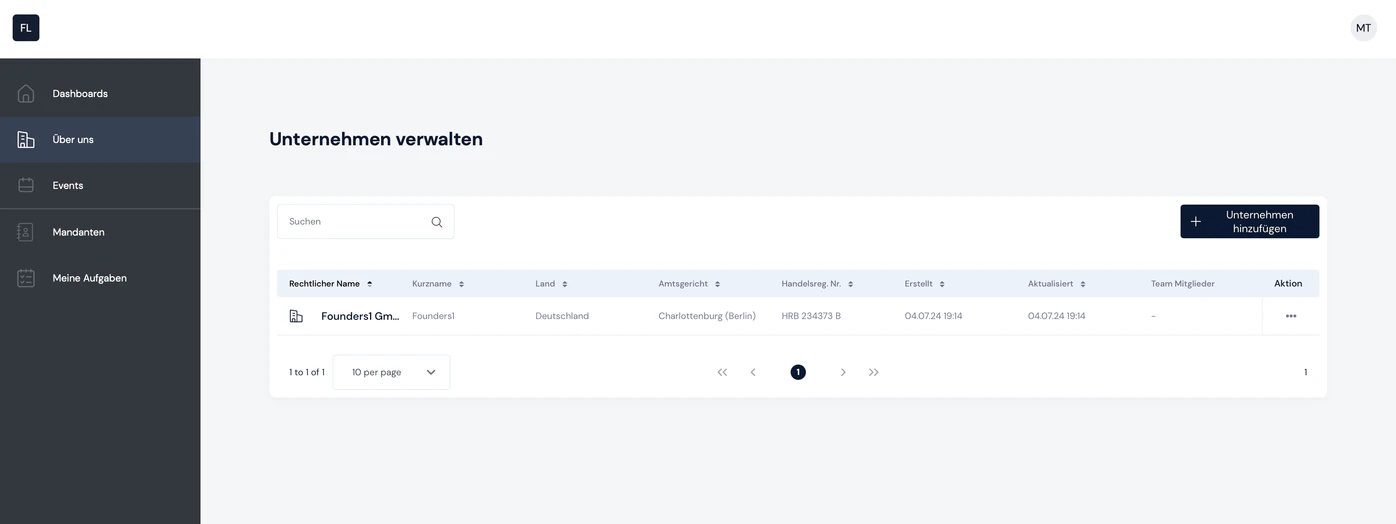
Step 1: Go to your "About us" company
From the list of all your companies, select the company for which you want to configure the portal
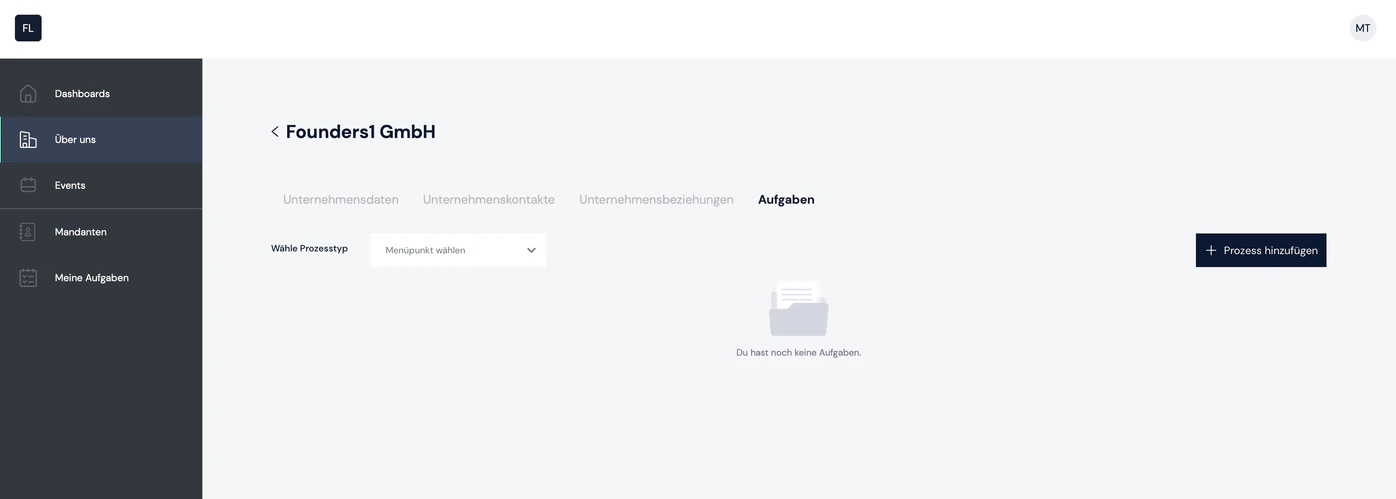
Step 2: Open the company and go to the "Tasks" tab
Click the company you want and go to the "Tasks" tab
Step 3: Create the "Configure the workflow portal" process
Click "+ Add process" in the top right and select the "Configure the workflow portal" process.
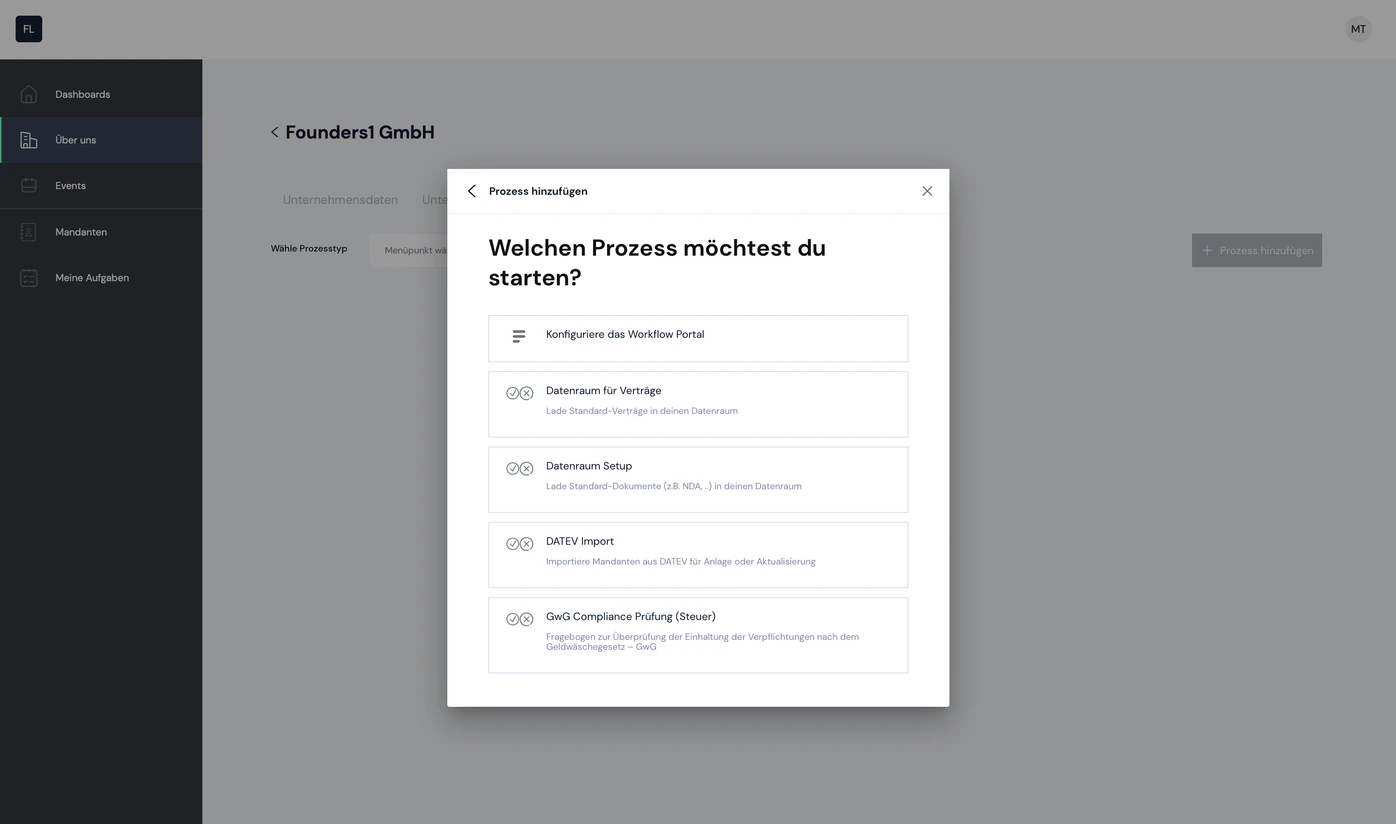
Step 4: Open the process and configure the portal
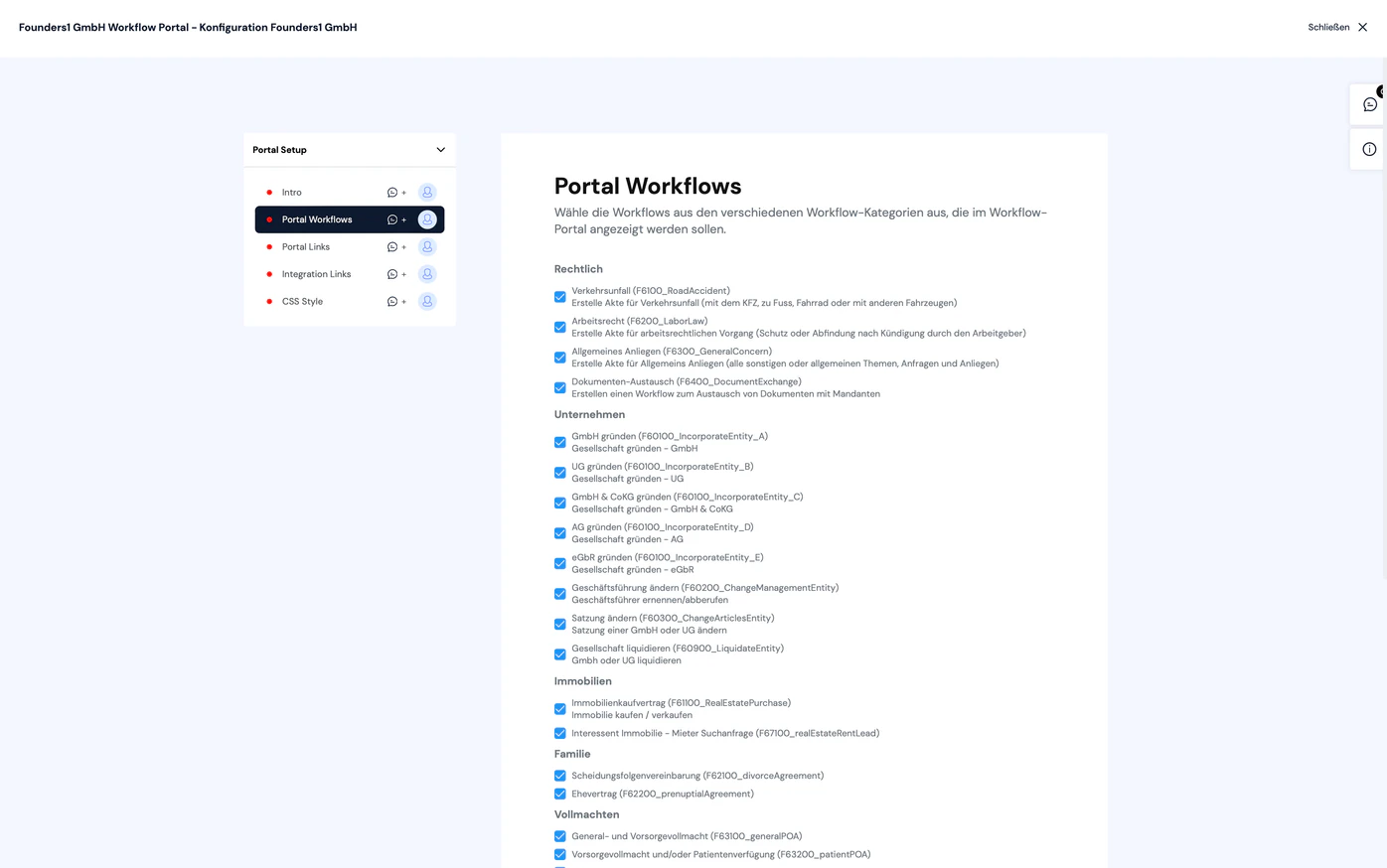
Open the process. You can now configure your personal portal. Setup consists of four key steps to tailor the portal to your needs:
- Select workflows – Choose the relevant workflows you want to show in your portal
- Configure access for specific customers – Copy search links to set up workflows so they are accessible to individuals, companies or both.
- Integrate the portal – Choose between two integration options: open the portal as a link in a new tab, or embed it directly in your website via iframe.
- Style the portal – Upload and edit a CSS stylesheet file to customize the portal's design – whether it opens in a new tab or is embedded via iframe.
With these steps, you can quickly create an onboarding portal that reflects your brand and offers your customers a user-friendly experience.

Still have questions?
Contact us or book a 30-minute demo call directly with our founder Eckhard Ortwein.